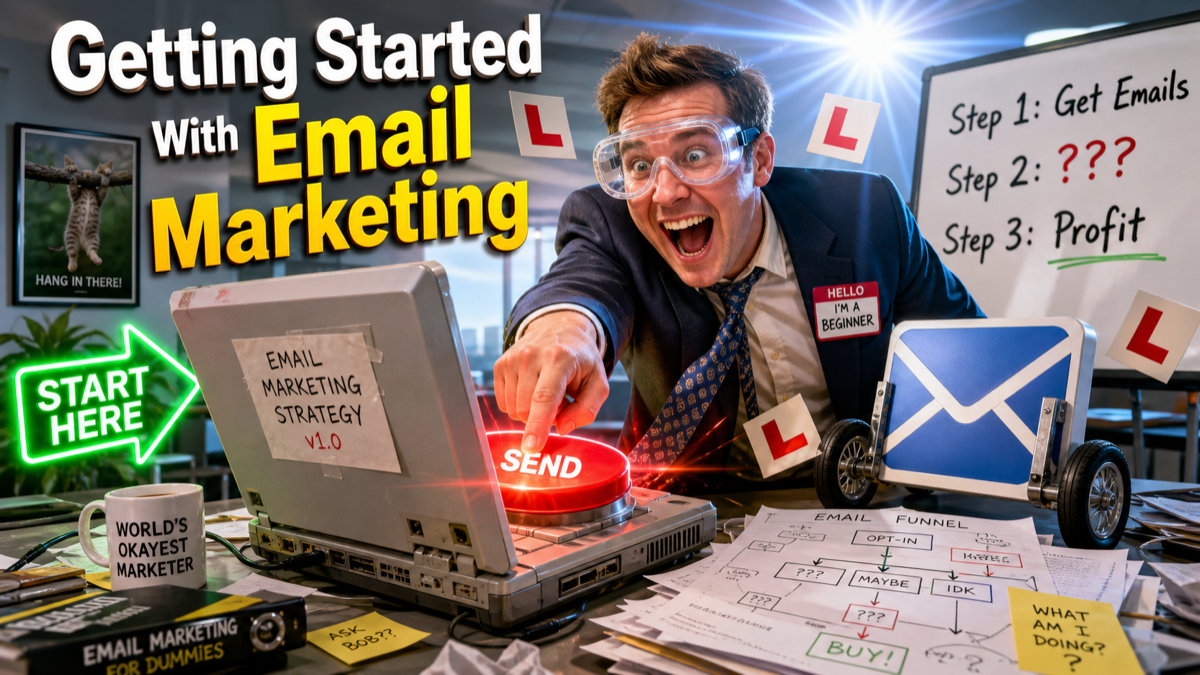
Getting Started With Email Marketing

Most businesses put off email marketing for way too long. They tell themselves they’ll start once they have more subscribers, a better offer, or more time to do it properly. Meanwhile, they’re not collecting emails, not building a list, and handing the advantage to competitors who just got on with it.

The truth is that starting is simple. You don’t need a big list, a designer, or a complicated strategy. You need an account with an email tool, a way to collect addresses, and something worth saying. That’s it. Here’s how to get there.

Step 1: Pick a Tool and Stop Overthinking It

The most common reason people don’t start is that they spend three weeks comparing platforms and never actually sign up for one. Don’t do this. The tool matters far less than the habit of sending.

Here’s the short version:

  • Mailchimp — free up to 500 contacts. Fine for getting started. The interface isn’t the slickest but it does the job and there’s a huge amount of documentation and tutorials online.
  • Kit (formerly ConvertKit) — better designed for service businesses and content creators. Free up to 10,000 subscribers with limited features. Worth it if you plan to build sequences and segments from day one.
  • Brevo (formerly Sendinblue) — generous free plan (300 emails/day), good automation. Worth considering if you have a reasonable contact count from the start.

If you genuinely don’t know which one to pick: start with Mailchimp. You can migrate later if you outgrow it. The important thing is to actually start.

Step 2: Set Up Your First Opt-In Form

An opt-in form is how people join your list. Every email tool lets you create one — usually a simple embeddable form or a popup — that you put on your website.

A few things that make the difference between a form that converts and one that doesn’t:

  • Give people a reason to sign up. “Subscribe to our newsletter” is not a reason. “Get our weekly no-fluff marketing tips” is. “Download our free guide to X” is better still. The more specific and useful the incentive, the higher your sign-up rate.
  • Ask for as little as possible. Name and email is plenty. Every extra field you add reduces conversions. You can collect more information later once you’ve got the relationship.
  • Put the form somewhere visible. Top of your homepage, end of blog posts, a non-annoying popup triggered after 30 seconds or on exit intent. Not buried in the footer where nobody looks.

Step 3: Write a Welcome Email Worth Reading

Your welcome email is the most important email you’ll ever send. It goes out the moment someone signs up — when their interest in you is at its peak — and it sets the tone for the entire relationship. Most businesses waste it with a generic “Thanks for subscribing!” and nothing else.

A good welcome email does a few things:

  • Delivers on your promise immediately. If someone signed up for a free guide, the guide is in this email. If they signed up for tips, give them a useful tip right now.
  • Tells them who you are in plain English. Not a corporate about page. A brief, human explanation of what you do and why it matters to them.
  • Sets expectations. Tell them what you’ll send and roughly how often. “Every Thursday I send one marketing tip you can act on the same day.” People appreciate knowing what they’ve signed up for.
  • Invites a reply. Ask a simple question. “What’s the biggest marketing challenge you’re facing right now?” You won’t get replies from everyone, but the ones you do get are gold — real insight into what your audience actually needs.

Write it in the first person. Write it like you’d write a message to someone you’ve just met at a networking event — friendly, direct, no waffle.

Step 4: Decide What You’re Going to Send

The second most common reason people don’t send emails is that they sit down to write one and have no idea what to say. Fix this before it becomes a problem by deciding your format in advance.

Some options that work well:

  • One tip per email. Pick one useful thing your audience should know. Write 200–400 words about it. Simple, repeatable, and genuinely useful if the tips are good.
  • Behind the scenes. What’s happening in your business this week? What did you learn, get wrong, or figure out? People connect with real stories more than polished content.
  • Curated links. Round up three things you’ve read, watched, or found useful this week with a sentence on why each one matters. Low effort to write, high value for the reader.
  • Case studies or client stories. What problem did a customer come to you with? What did you do? What was the result? These build credibility without feeling like a sales pitch.

Pick one format and stick with it for at least three months. Consistency builds the habit — yours and your readers’.

Step 5: Set a Frequency and Protect It

How often should you email your list? Honestly, less than you think. The right cadence is the one you can maintain without the quality dropping.

For most small businesses just getting started:

  • Once a week — ideal if you have things to say and the time to say them properly
  • Twice a month — more realistic for most people, still frequent enough to stay present
  • Once a month — the minimum before people forget who you are

Whatever you pick, put it in your calendar. “I’ll send when I have something good” is not a cadence — it’s a recipe for never sending. Block out the time, even if the email you end up writing feels imperfect. An imperfect email sent is infinitely better than a perfect email you’re still drafting.

The One Metric to Watch When You’re Starting Out

Don’t obsess over open rates, click rates, or unsubscribes when you’re just getting going. The only number that matters early on is list growth. Are more people signing up than unsubscribing? Is your form getting traffic? Is your incentive compelling enough to convert visitors?

Everything else — engagement, segmentation, automation — comes later. For now, focus on building a list of real people who actually want to hear from you, and sending them something worth reading on a schedule you can keep. That’s the entire job for the first six months.

Frequently Asked Questions

Do I need to register anywhere for GDPR compliance?

In the UK, if you’re processing personal data (which email addresses are), you should be registered with the ICO — it costs £40–£60/year for most small businesses. Beyond that, the basics are: only email people who’ve explicitly opted in, include an unsubscribe link in every email (your ESP does this automatically), and have a privacy policy on your website that explains how you use data.

What if I already have a list of customer emails in a spreadsheet?

You can import them, but tread carefully. You can legally email existing customers about similar products or services under the “soft opt-in” rule — but only if they bought from you recently, you gave them an easy way to opt out at the time, and you’re not emailing about something unrelated. When in doubt, send a one-off reactivation email asking them to confirm they want to hear from you, and only keep the ones who respond.

How do I stop my emails going to spam?

A few things help: use a reputable ESP (they manage sender reputation for you), send from a domain email address rather than a Gmail or Hotmail, set up SPF and DKIM records on your domain (your ESP will tell you how), and only email people who genuinely opted in. High spam complaints and low engagement are the main triggers — both of which are avoided by sending good content to people who wanted it.

Is email marketing worth it if I only have a small list?

Yes — and a small engaged list is genuinely more valuable than a large disengaged one. Some of the best email marketing comes from businesses with a few hundred subscribers who open every email. Don’t wait until you have 1,000 contacts to start. Start with 10 and build the habit.

Leave a comment